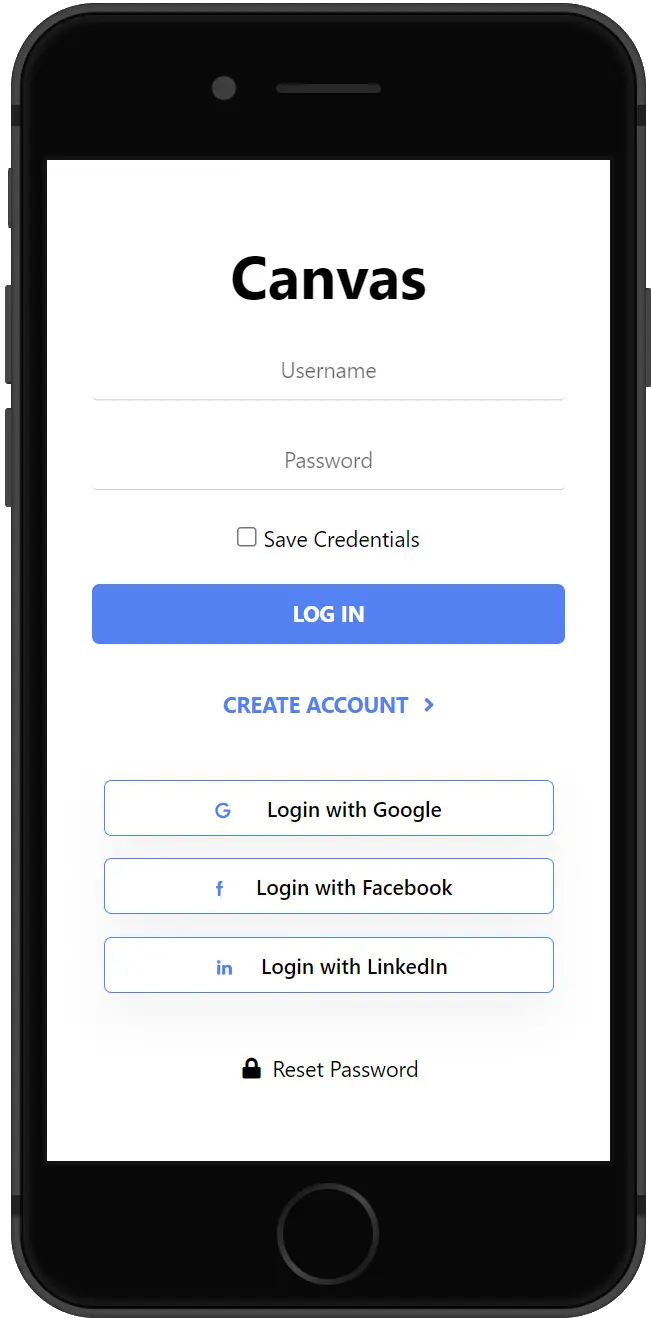
Du brauchst ein kostenloses Nutzerkonto um Lokale zu bewerten, an Gewinnspielen Teilzunehmen und die Plattform in vollen Zügen zu erleben. Keine Lust einen neuen Account zu erstellen? Du kannst dich auch bequem mit deinem Google, Facebook oder LinkedIn Account anmelden!
Lokale bewerten & Tickets oder Regionale Produkte kaufen.
Wir wollen das echte Düsseldorf darstellen! Deshalb bitten wir dich um deine Mithilfe um deine Liblingslokale zu bewerten. Jährlich wollen wir die besten Lokale krönen und dir die neusten Geheimtipps zeigen. Außerdem kannst du hier mit Vergünstigungen & tollen Gewinnspielen rechnen!
Wir arbeiten bereits an unserer Düsseldorf-Local-Card mit der du von tollen Aktionen, Treupunkten, Events, Rabatten & vielem mehr profitieren kannst. Und der positive Nebeneffekt? Du unterstützt die lokale Vielfalt und hilfst dem Klein- & Mittelstand!
Das dauert leider noch ein bisschen… In der Zwischenzeit kannst du dich ja durch unsere Artikel durchschlagen!
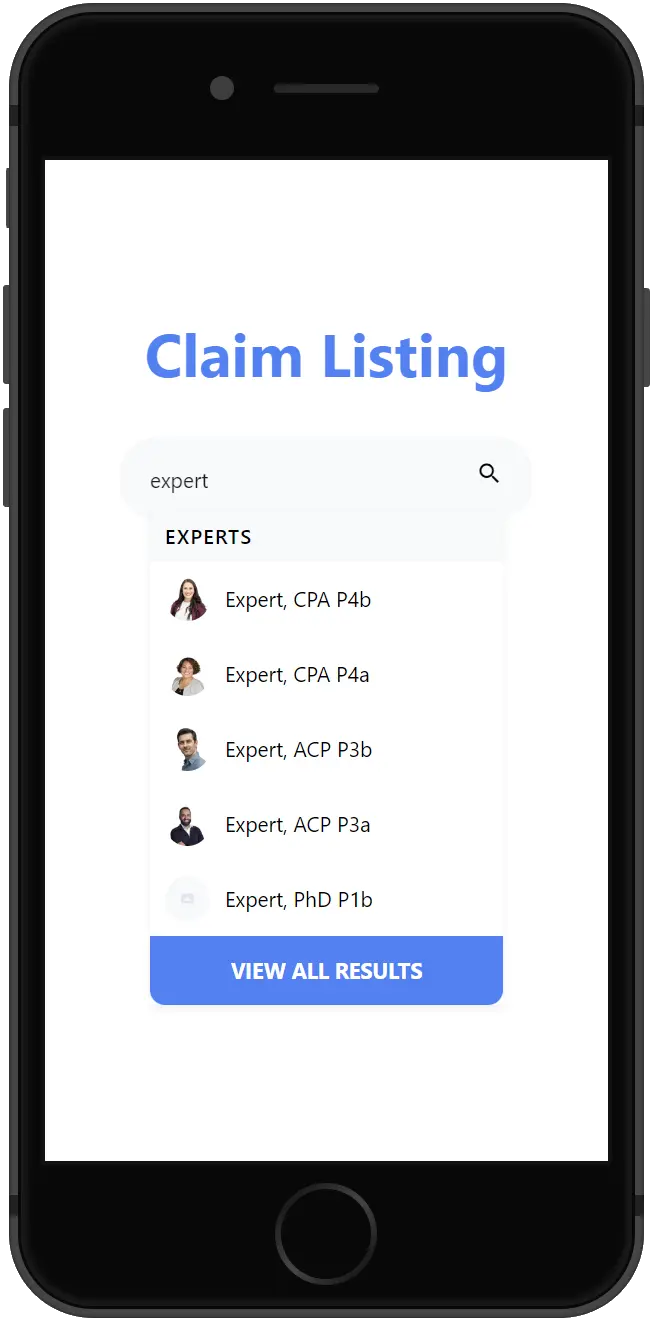
Oft sind bereits Unternehmen bei uns gelistet. Schau jetzt nach ob dein Unternehmen bereits gelistet ist. Hol dir jetzt die Kontrolle über deinen Eintrag!
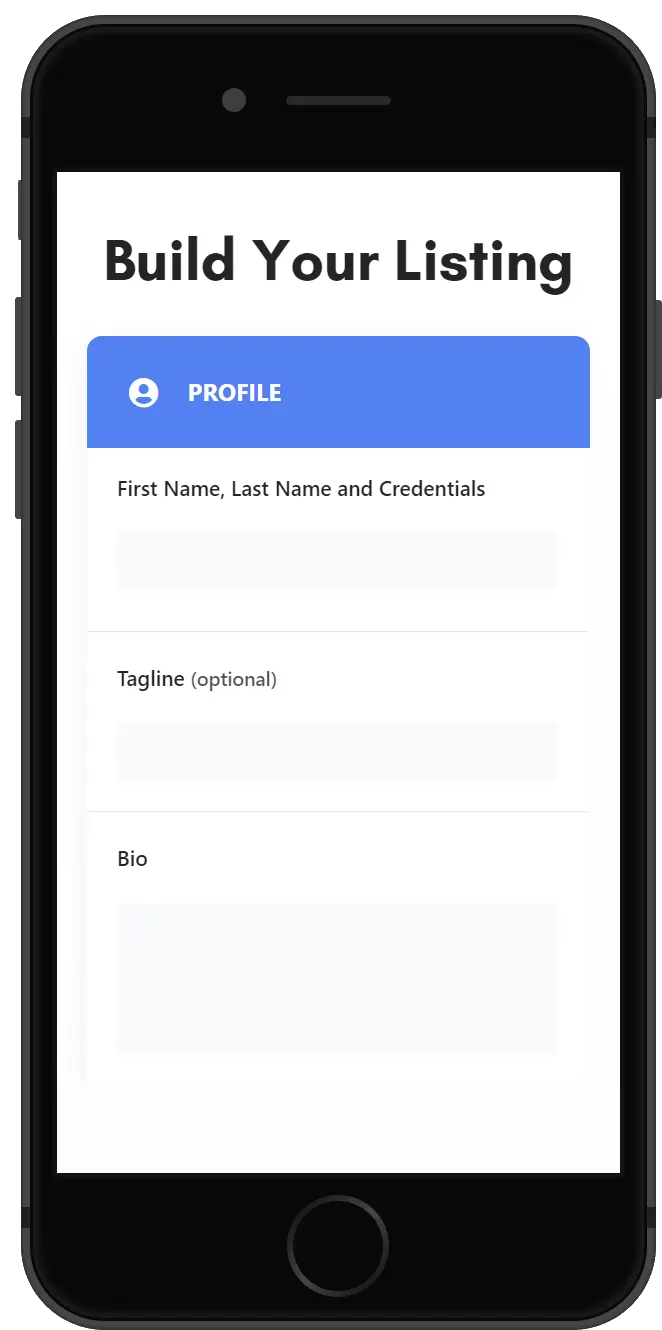
The more complete your Listing, the more questions it answers and the more trust it establishes. Don’t let an incomplete Listing be the reason someone passes you by.
Tip: Sign up for Package 4 for the most exposure, features, and cost-saving perks!
After successful checkout, you’ll receive an email with your order information. Your Listing will be submitted to our team for approval, and you’ll receive another email once it is approved.
Tip: While you wait, shop our store for current offers from us and our partners.
Leverage our platform to its fullest to save money and reach more customers.
Listing Promotions
Get more eyes on your Listing by boosting them with a higher priority in search, additional placement throughout our platform, and special designation badging.
Google Reviews
Develop trust with potential customers by showing off your hard-earned work, as evidenced by your Google Reviews that are displayed in an eye-catching format.
Product Store
Turn your Listings into a revenue-generating marketplace by adding your products and services to your Listings.
Booking
Avoid paying for premium booking solutions. Use our recommended premium booking platform (entirely free for individuals) to easily embed your booking calendar within your Listing.
Verified Badge
Add instant credibility to your Listings with a verified badge that shows others you mean business.
Headshot (Listing Preview) images should be no smaller than 800 x 900 px and Headshot (Listing Page) images should be no smaller than 160 x 160 px, with the subject matter centered as possible to avoid being cut off at the edges.
Image Size Limits
Images can have a maximum file size of 1 MB. Should you need to compress your images, no problem! Here’s a free tool with super simple instructions.
Titel- und Galerie-Bilder sollten mindestens eine Auflösung von 1920 x 1080 Pixel haben, um eine optimale Darstellung zu gewährleisten. Achte darauf, dass das Hauptmotiv möglichst zentriert ist, damit nichts an den Rändern abgeschnitten wird.
Bildgrößen-Limits
Bilder dürfen eine maximale Dateigröße von 1 MB nicht überschreiten. Musst du dein Bild komprimieren? Kein Problem – hier ein kostenloses Tool mit super einfacher Anleitung: